00:15:27:06
Play / Cut / Collect

Vimor

Make room for the moments. Play, trim, combine, and arrange your videos in one focused place.

Sequence 01 / Main cut Drag to scrub
01
Bring it inUpload your footage
02
Find the beatReview every moment
03
Shape the cutTrim and combine
04
File it rightSave to a collection
A cleaner media workflow

Less clutter.
More control.

Vimor is more than a video player. It brings playback, quick editing, and media organization into one continuous flow, from the first review to the final folder.

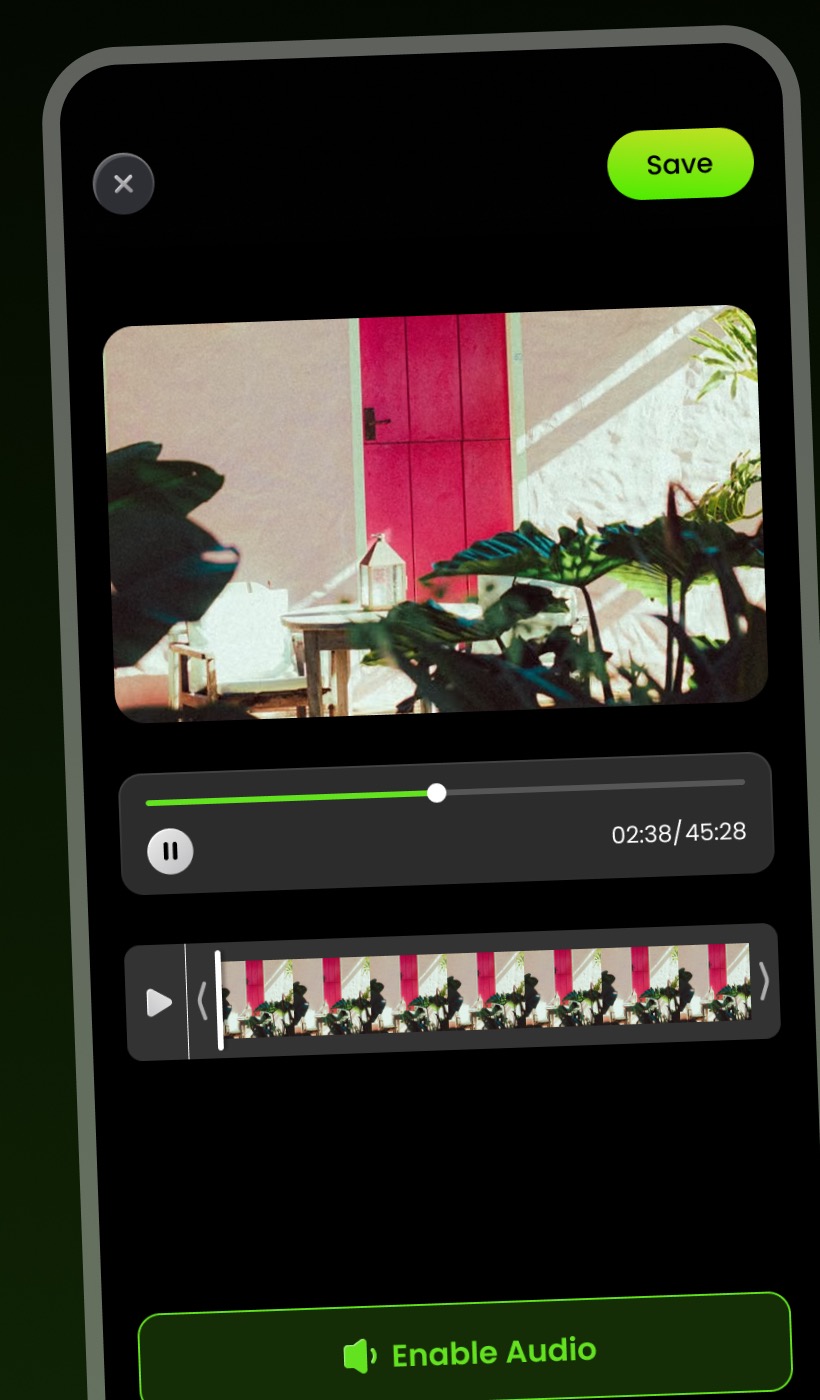
Quick edit

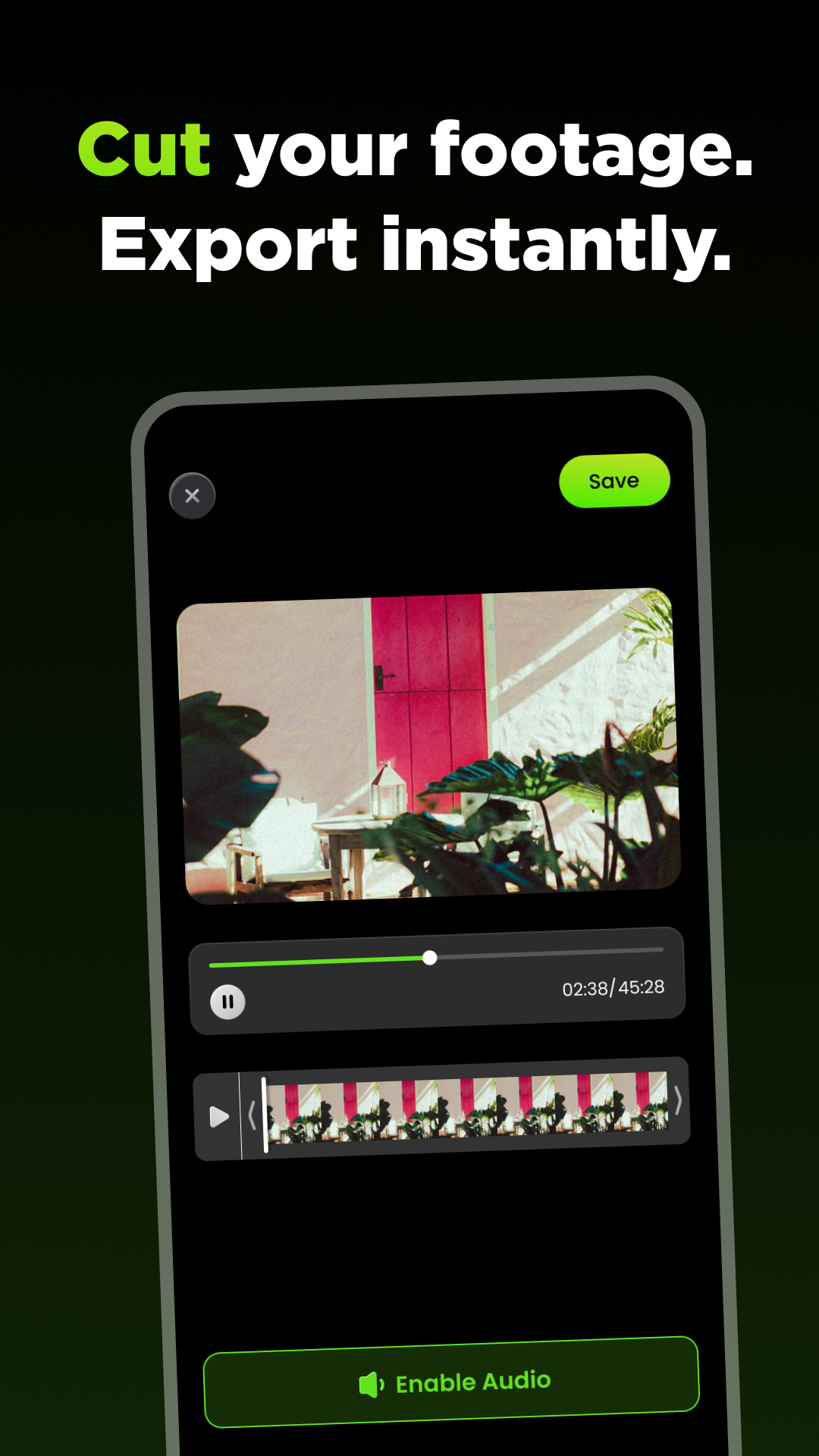
Cut what stays. Export without the wait.

Crop key moments and join video segments with a focused timeline that keeps the controls close and the footage in view.

  • Trim key moments
  • Combine video segments
  • Review audio while you edit
Vimor video trimming screen
Playback

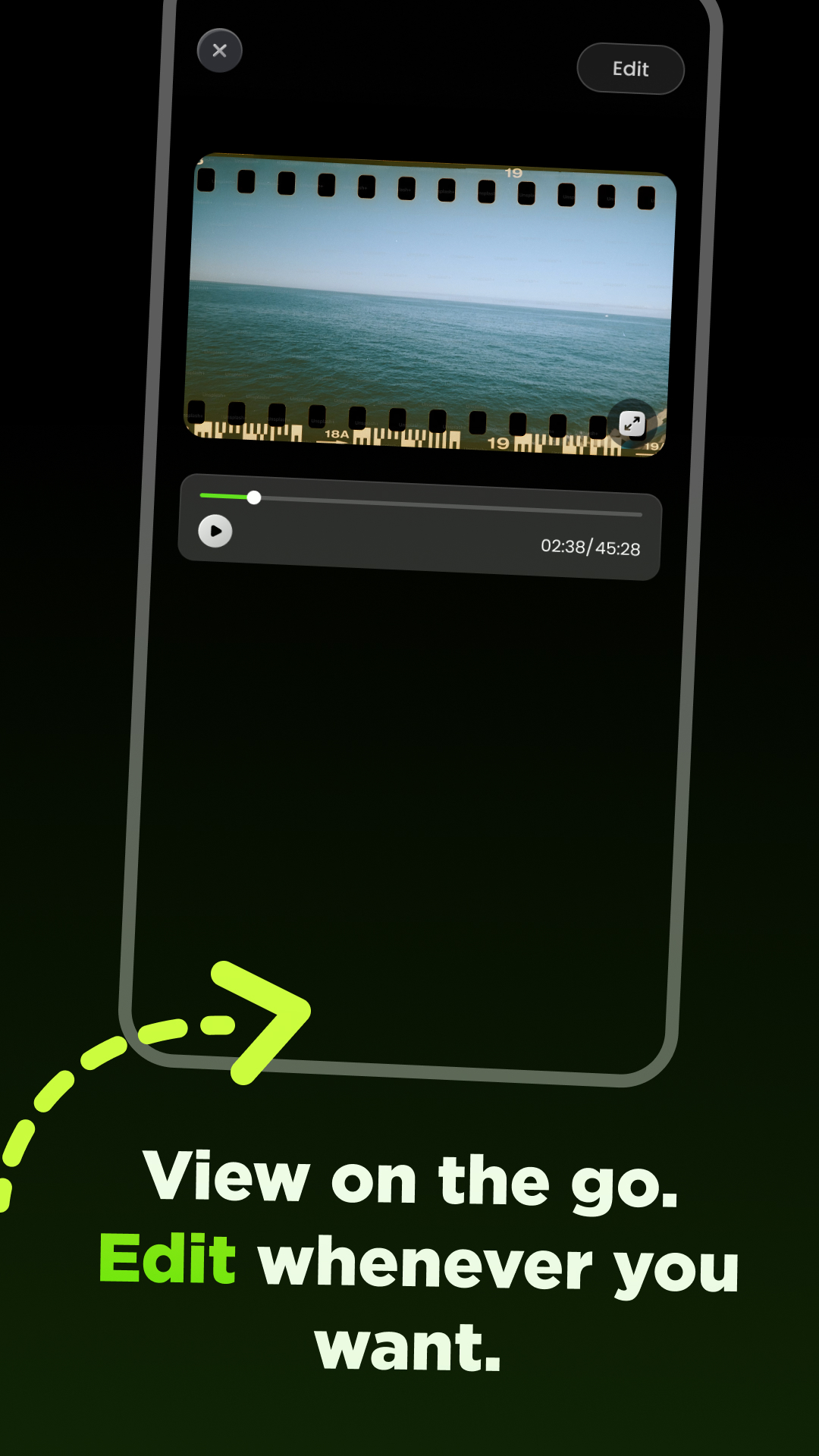
View on the go. Edit when the idea lands.

Keep playback and editing in the same place. Review footage at your pace, expand the view, and move into a cut without changing tools.

  • Focused playback controls
  • Full-screen viewing
  • Direct access to editing
Vimor mobile video player
Collections

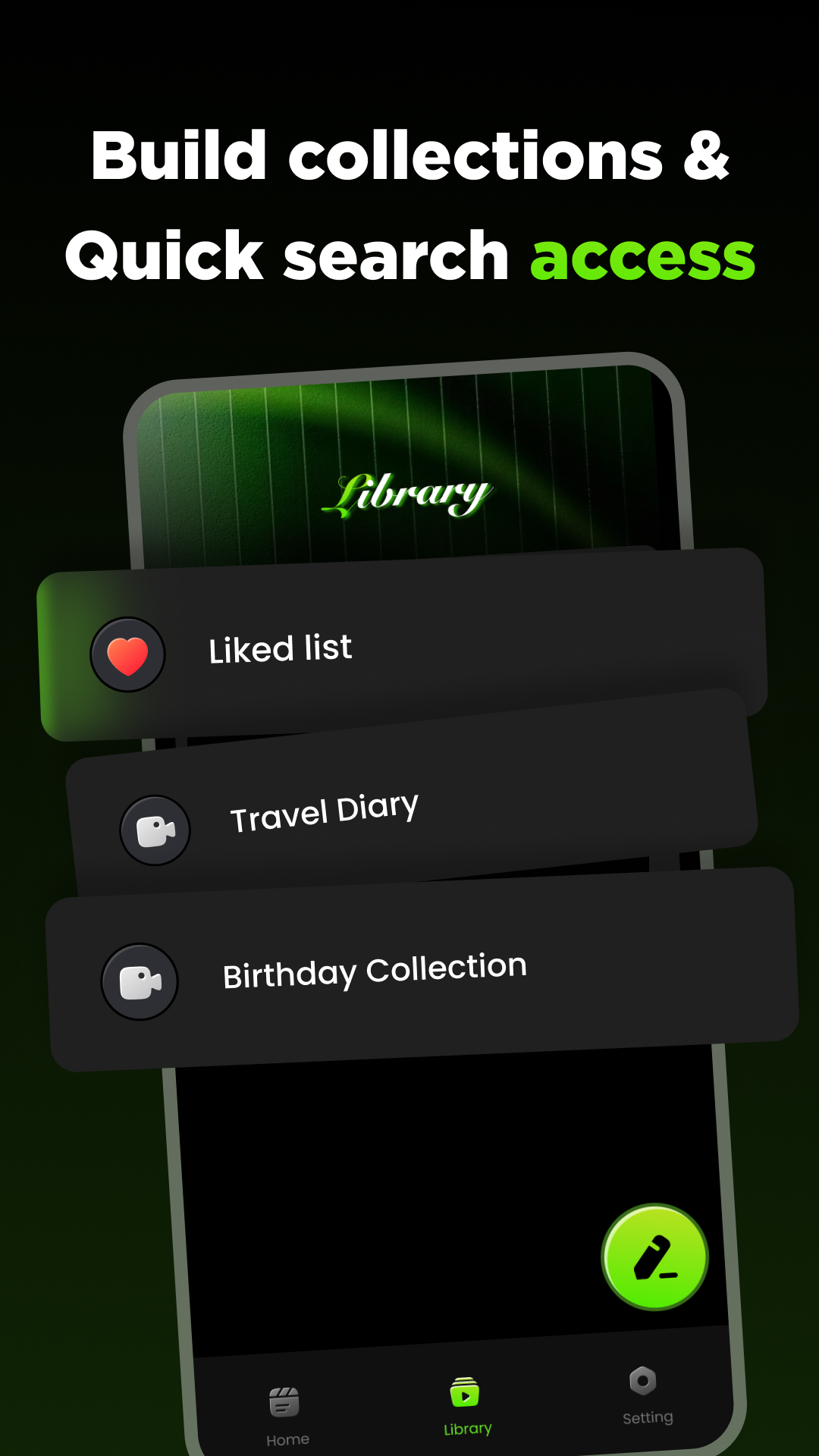
Your library should remember the story.

Separate travel footage, project files, and everyday recordings into collections that make sense to you. Find the right clip without digging through the noise.

  • Create named collections
  • Keep liked videos together
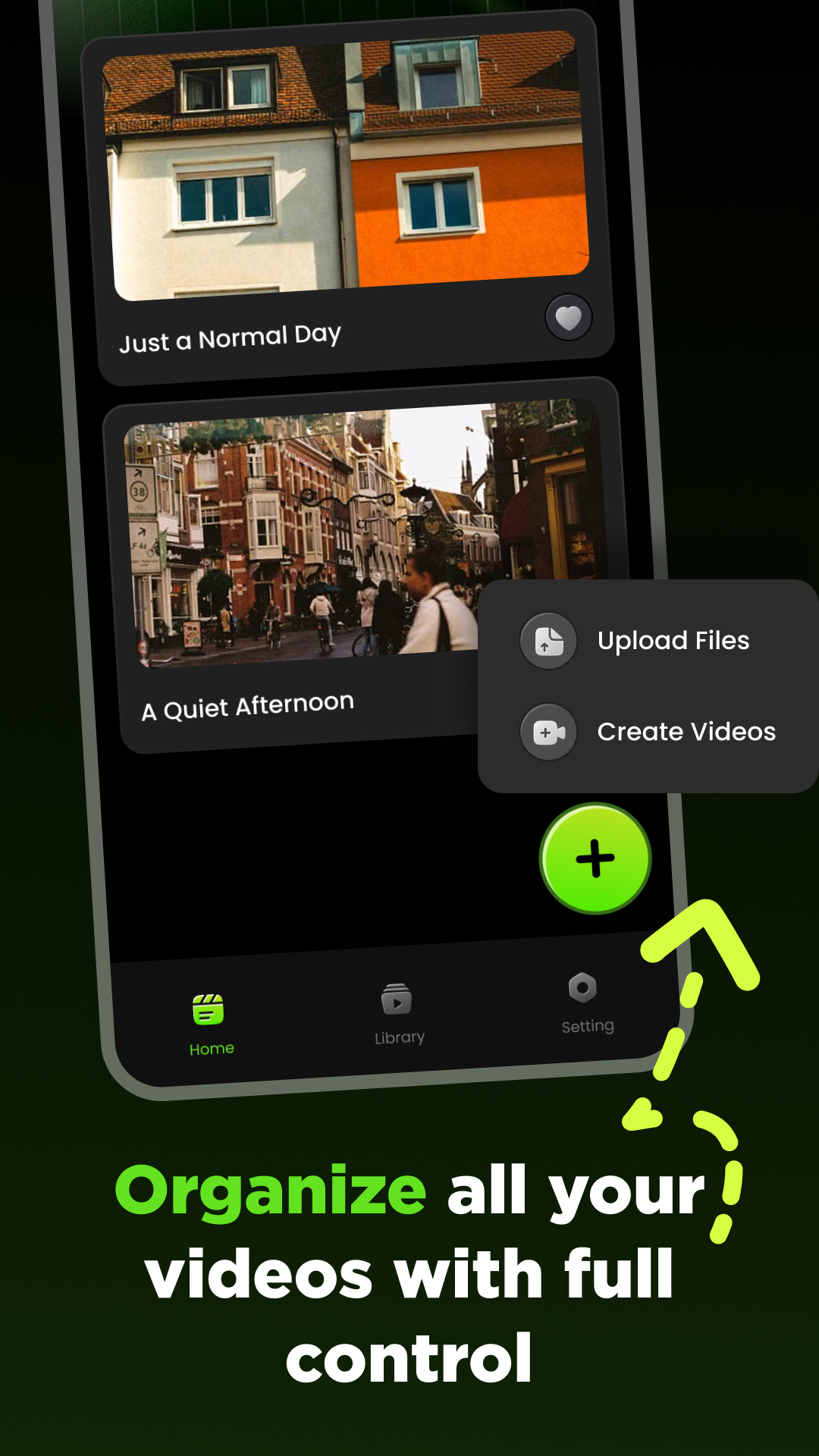
  • Upload or create from home
Vimor video collections screen
One fluid app

From camera roll to finished collection.

Vimor keeps playback, editing, and media management together, helping your growing video library stay useful instead of overwhelming.

Vimor editing timeline
Vimor video library
Vimor video playback
Vimor collections
Vimor editing timeline
Vimor video library
Vimor video playback
Vimor collections
Contact Vimor

Something on your timeline?

Questions, feedback, or support requests are welcome. Send a note and the Vimor team will get back to you.

sabin56782@gmail.com